
Back to: TRUMPF PRAXIS Bend and Cut
1
Nest editing can be started from the selecting a nest in an active job, which double clicking on a job will display any nests that are available.
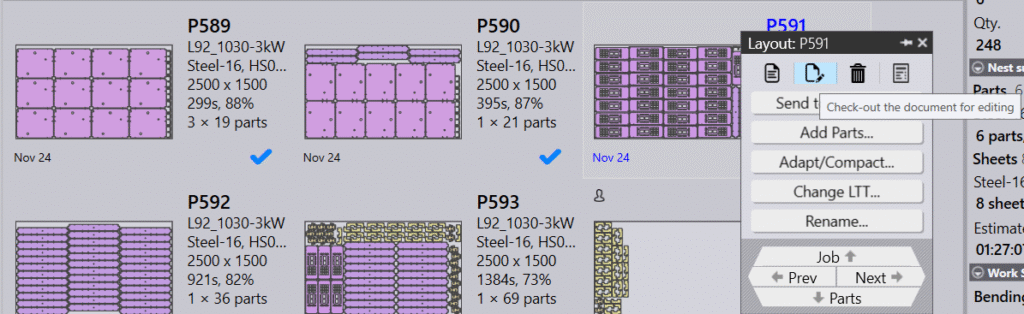
Right click in the nest and click to check it out the same as you would for a bend or laser edit and the nest will open in the editor.
The editor is fully interactive and has some additional options for controlling the layout.