
The pickup process requires one or more images to be captured by the camera, and an image-processing system then uses these images to estimate exactly where the part is on the pallet. To ensure the Gripper picks up the bent part exactly, its exact position on the machine must be determined by corresponding camera shots. Therefore sections of the bent part are automatically defined in the programming of the BendMaster control system. If necessary, these sections can still be measured manually.
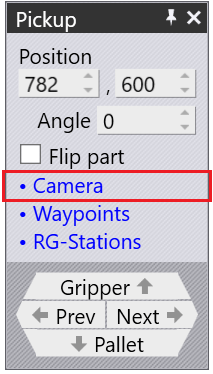
The camera can be opened from the link inside the Pickup panel or click on the bent part and select the Camera function.
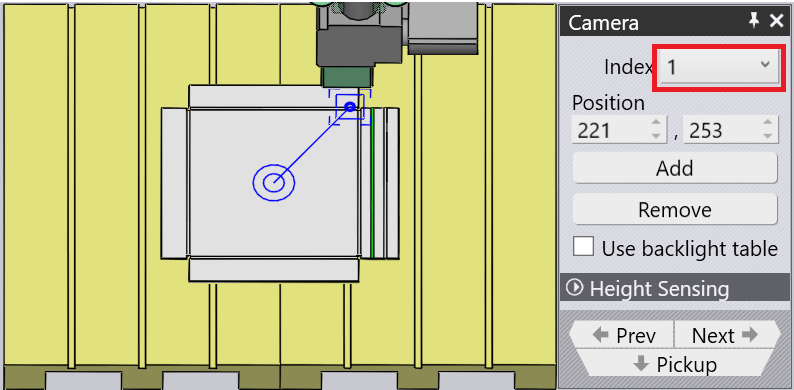
Index – Used to move through the carious fine-recognition images being used for this part. As you do this, the software displays a blurred outline that shows the image-recognition zone on the part (check the images on the right side)
Position – Used to re-position this zone, to better include some features of interest that can improve the recognition accuracy.
Add – Used to add recognition images (up to 4)
Remove – Used to remove the current recognition image.
Use backlight Table – Used to place the part and check the actual dimension. The Light Table can be placed in a desired position by clicking the mouse over and positioning with the Z & X values along with the Angle input
Height Sensing – Used to position the sensor point in Z and X direction
