Generating Fold Outputs
When you switch to Fold CAM mode, Fold analyses the part computes a folding sequence and assigns tooling. In most cases, the results of this automatic processing will be a folded part that requires no further intervention. You can verify this by checking that the fold navigator (described in the next section) will have no alarm lights on.
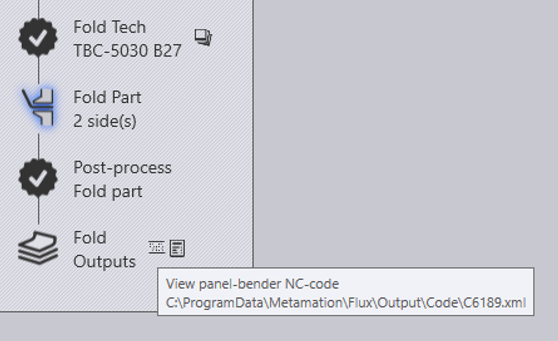
If there are no errors, you can click further on the Post-process fold part icon to generate the NC code for folding. This generates the NC code for the part and saves it in a designated location. By clicking on the NC code icon near the fold outputs node, you can view the NC code.
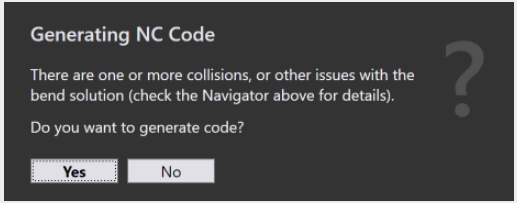
Fold does not automatically generate code for any parts with ‘red’ issues. However, the user can try to generate code by clicking on the NC Code button which remains enabled. If they do this, an additional warning is displayed before the code is generated: